Stripe CPQ: How to Add a CPQ to Stripe Billing (2026)
Stripe does not offer a native CPQ. Stripe Quotes covers basic quoting from the Stripe Dashboard, and stops short of approval workflows, multi-year ramps, and CRM-native quoting. Teams that run sales-led deals on top of Stripe Billing add a CPQ in one of four ways. This guide compares all four.
TL;DR
Stripe has no native CPQ. Stripe Quotes handles basic quoting from the Stripe Dashboard, but stops short of approval workflows, multi-year ramps, and CRM-native quoting. There are four ways to add a CPQ on top of Stripe Billing:
- Stripe Quotes works for simple, founder-led sales with no CRM quoting need.
- Salesforce CPQ with the Stripe connector suits teams already on it, though Salesforce CPQ is now end of sale.
- A standalone quote-to-cash platform brings its own billing engine, which tends to pull you off Stripe over time.
- A Salesforce-native CPQ keeps Stripe as your system of record, which is the approach Limio takes.
Which one fits depends on whether you want to keep Stripe Billing as your billing engine.
Why Stripe has no CPQ
Stripe Billing is a billing engine. It handles subscriptions, invoicing, payments, and revenue recovery, and it does those jobs better than almost anything else. CPQ is a sales workflow: configure a deal, price it, route it for approval, send the quote, and turn the signed quote into a live subscription.
Stripe Quotes bridges a small part of that workflow. Everything else, from approval chains to quoting inside your CRM, has to come from somewhere else. The question is where, and whether the answer keeps Stripe Billing as your system of record or quietly replaces it.
How to add a CPQ to Stripe Billing: four options
1. Stripe Quotes
Stripe's built-in quoting tool. It is included with Stripe, quick to start with, and fine for simple catalogues and single-term deals.
The limits show up as your sales motion grows. Quotes live in the Stripe Dashboard rather than your CRM, so reps work outside the system where deals are tracked. There are no approval workflows, no multi-year ramp deals, and no way for Salesforce admins to extend the process.
Best for: founder-led sales with a simple catalogue and no CRM quoting requirement.
2. Salesforce CPQ with the Stripe connector
Stripe maintains a connector for Salesforce CPQ and Salesforce Billing, and Salesforce CPQ remains a deeply capable product.
The problem is its future. Salesforce CPQ is end of sale, which means a migration to Revenue Cloud Advanced at some point. Revenue Cloud Advanced ships its own recurring billing, which competes with Stripe Billing, so the long-term depth of support between the two platforms is an open question.
Best for: teams already running Salesforce CPQ who want to amortise the investment before migrating.
3. A standalone CPQ with its own billing engine
A wave of quote-to-cash platforms (Hyperline, DealHub, Salesbricks, and others) advertise Stripe Billing integrations. They work, and for some teams they are the right call. Read the fine print, though: these vendors sell billing platforms, and the Stripe integration is a bridge to them.
Hyperline's own documentation is candid about this. It recommends "using Hyperline as your full billing platform" and notes that when you keep Stripe, "some advanced Hyperline quote subscription configurations are not available in this flow." The docs even include a one-click "Switch to Hyperline" action to move subscriptions off Stripe.
You also take on a second product catalogue that lives outside both Stripe and your CRM, and a quoting experience embedded as a widget rather than built on your CRM's own platform tools.
Best for: teams that expect to replace Stripe Billing with a full quote-to-cash suite eventually.
4. A Salesforce-native CPQ that keeps Stripe as the system of record
The fourth option keeps each system doing what it is best at: Salesforce for CRM and sales governance, Stripe Billing for subscriptions and payments, and a CPQ layer built natively on the Salesforce platform connecting the two.
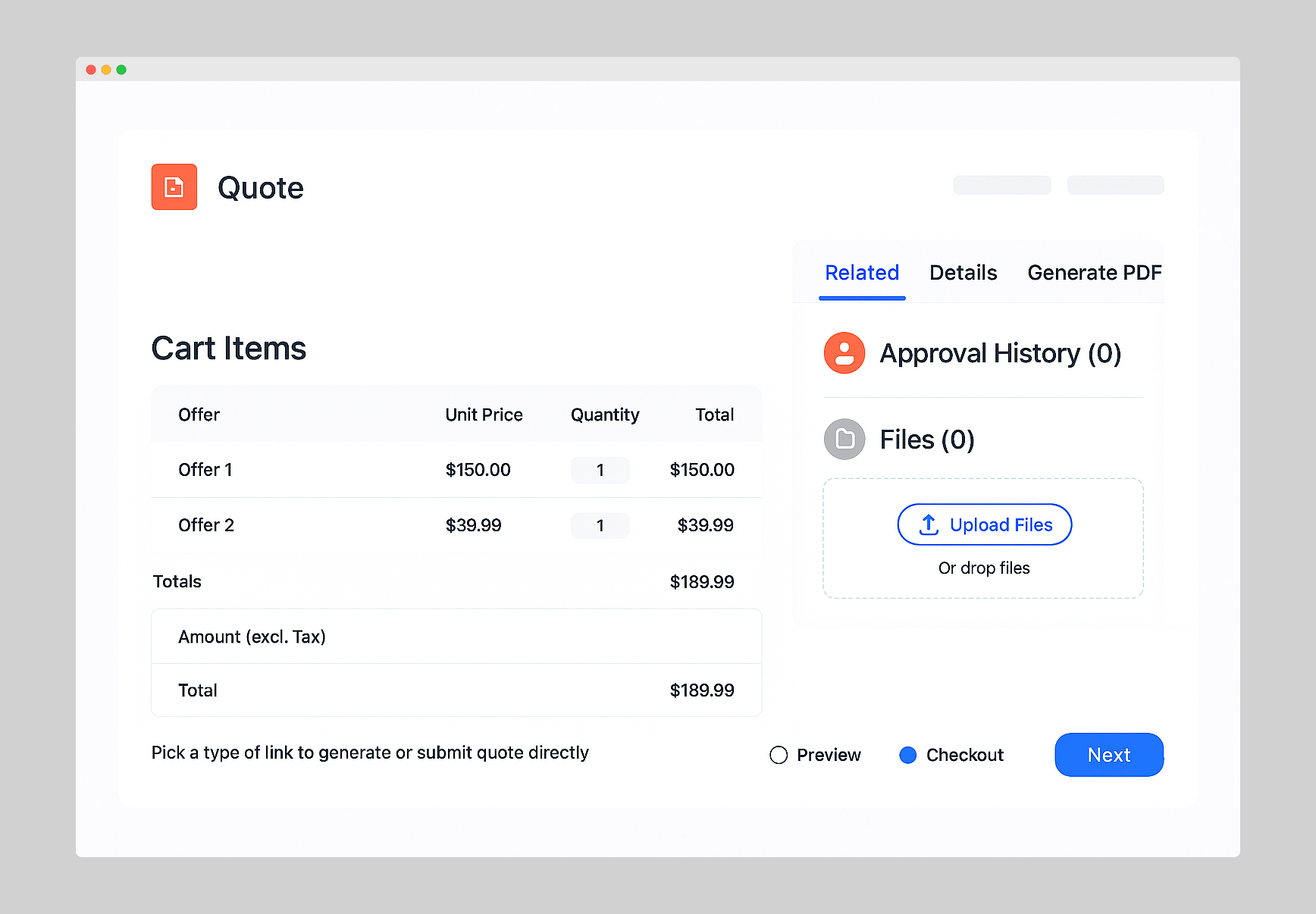
This is the approach Limio CPQ takes. Reps generate quotes from Salesforce Opportunities, quotes run through standard Salesforce approvals, the customer completes checkout through a link, and the subscription lands in Stripe Billing. Platform events then move the Opportunity to Closed Won automatically. See how Limio CPQ works with Stripe Billing or the quoting tool setup guide.
Best for: sales-led or hybrid teams on Salesforce who have standardised on Stripe Billing and want to keep it.
Comparison
| Stripe Quotes | Salesforce CPQ + connector | Standalone CPQ (own billing) | Limio CPQ | |
|---|---|---|---|---|
| Quoting UI | Stripe Dashboard | Salesforce | Vendor app / CRM widget | Salesforce (Lightning) |
| Approval workflows | None | Salesforce approvals | Vendor-specific | Salesforce approvals |
| Where subscriptions live | Stripe | Stripe (via connector) | Vendor platform, or Stripe with limits | Stripe |
| Product catalogue | Stripe | Salesforce + Stripe | Vendor platform | Limio, synced with Stripe |
| Admin extensibility | None | Salesforce tools | Vendor-specific | Lightning Flow, LWC, Platform Events |
| Key risk | Outgrown quickly | End of sale | Billing migration pull | Newer entrant |
If you are weighing the Salesforce-native options in more detail, we go deeper in choosing the right CPQ for Salesforce with Stripe Billing. If your motion is product-led rather than sales-led, can you run PLG on Stripe Billing as a scale-up covers the other half of the picture.
Stripe CPQ: frequently asked questions
The questions that come up when teams need quoting on top of Stripe Billing.
Quote in Salesforce. Bill in Stripe.
See a quote go from Salesforce Opportunity to live Stripe subscription in one session.